01
Documents
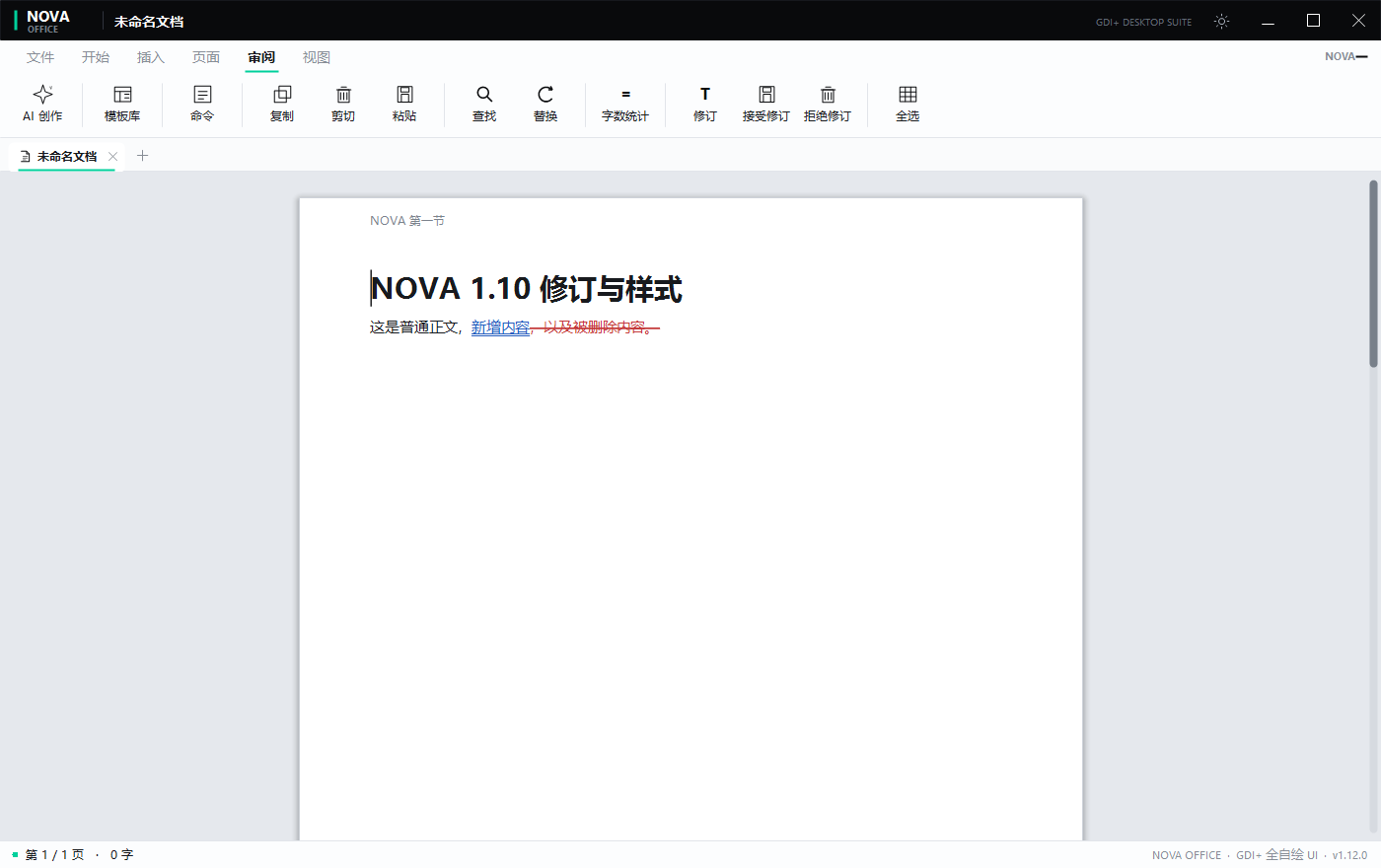
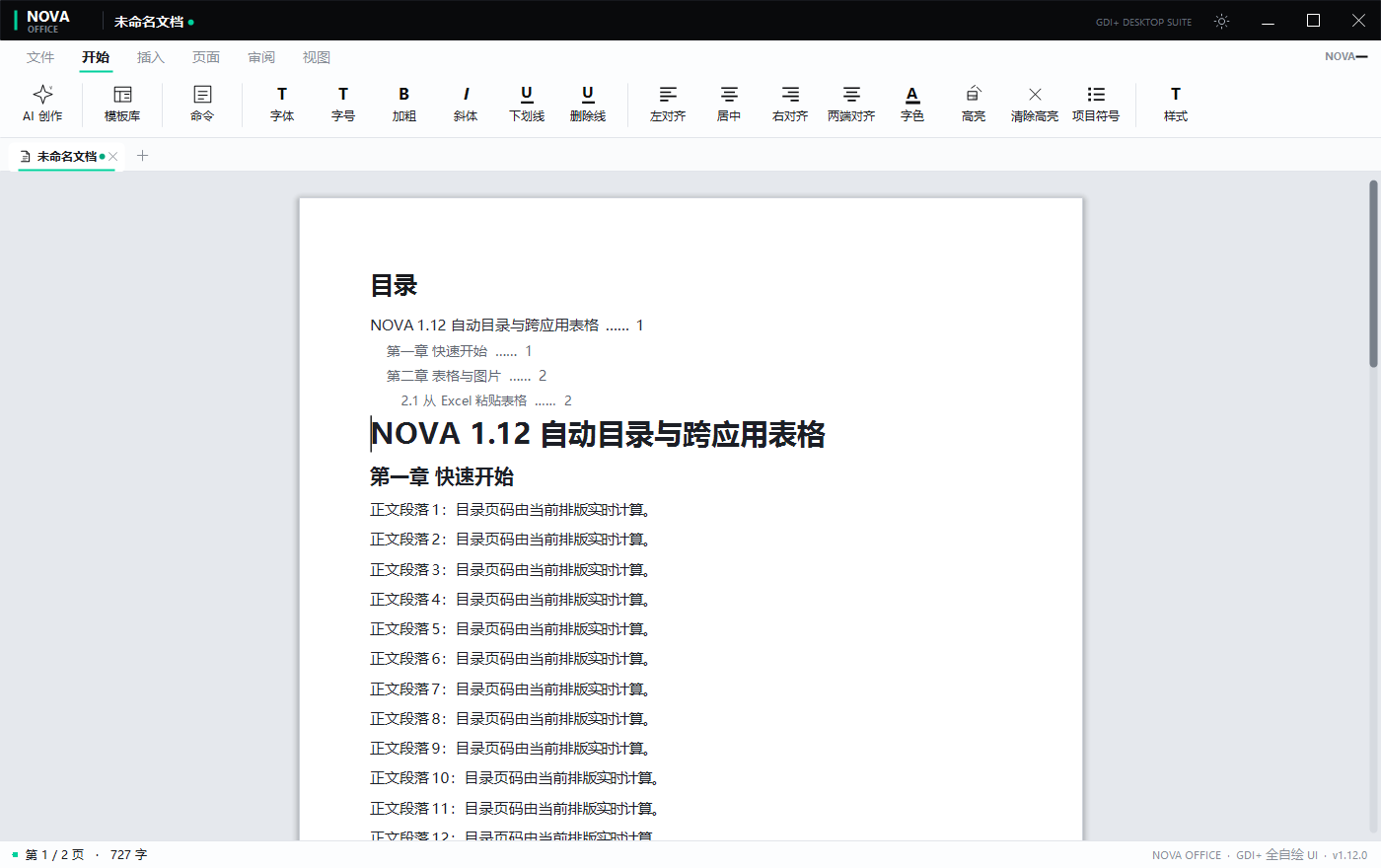
Rich text, A4 pagination, tables you can type into, headers and footers, comments, revisions, six styles and an automatic table of contents.
DOCXDOCNVDOCRTF
Seven applications in one window — documents, spreadsheets, slides, mail, notes, database and publisher — drawn with GDI+, parsed without Office, generated with an AI Studio, and shipped in ten languages.
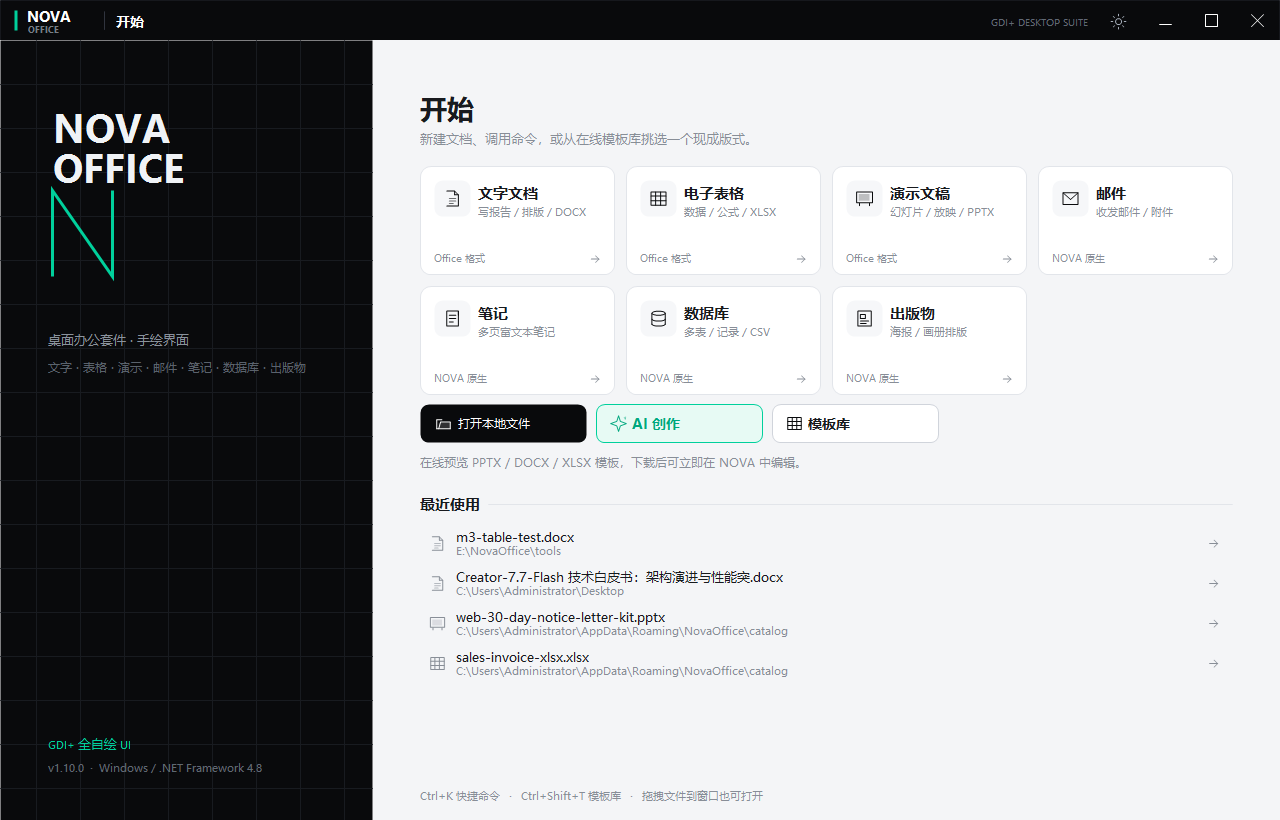
Each app has its own native format, its own engine, and its own place in the ribbon. All of them can create, edit, save and reopen.
Rich text, A4 pagination, tables you can type into, headers and footers, comments, revisions, six styles and an automatic table of contents.
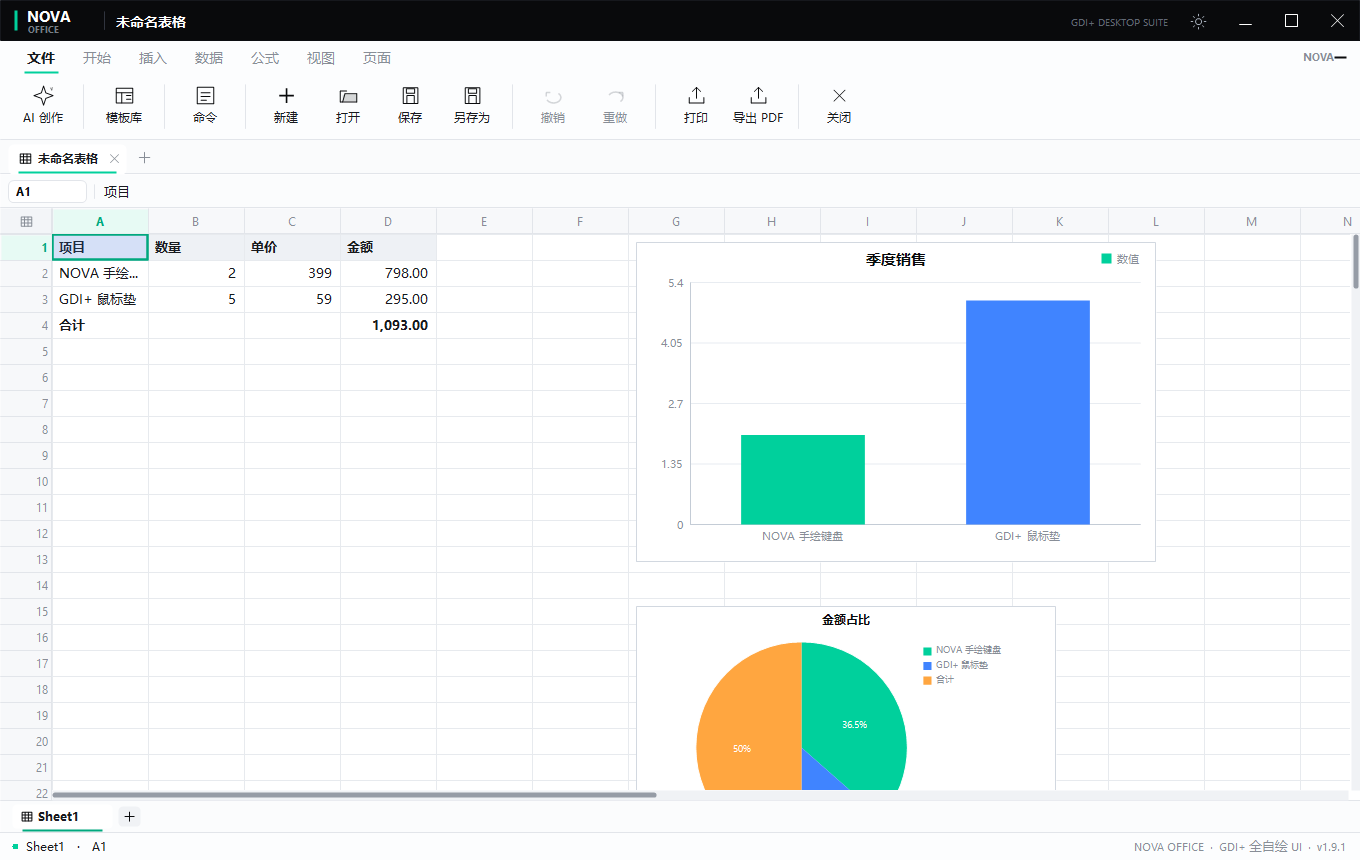
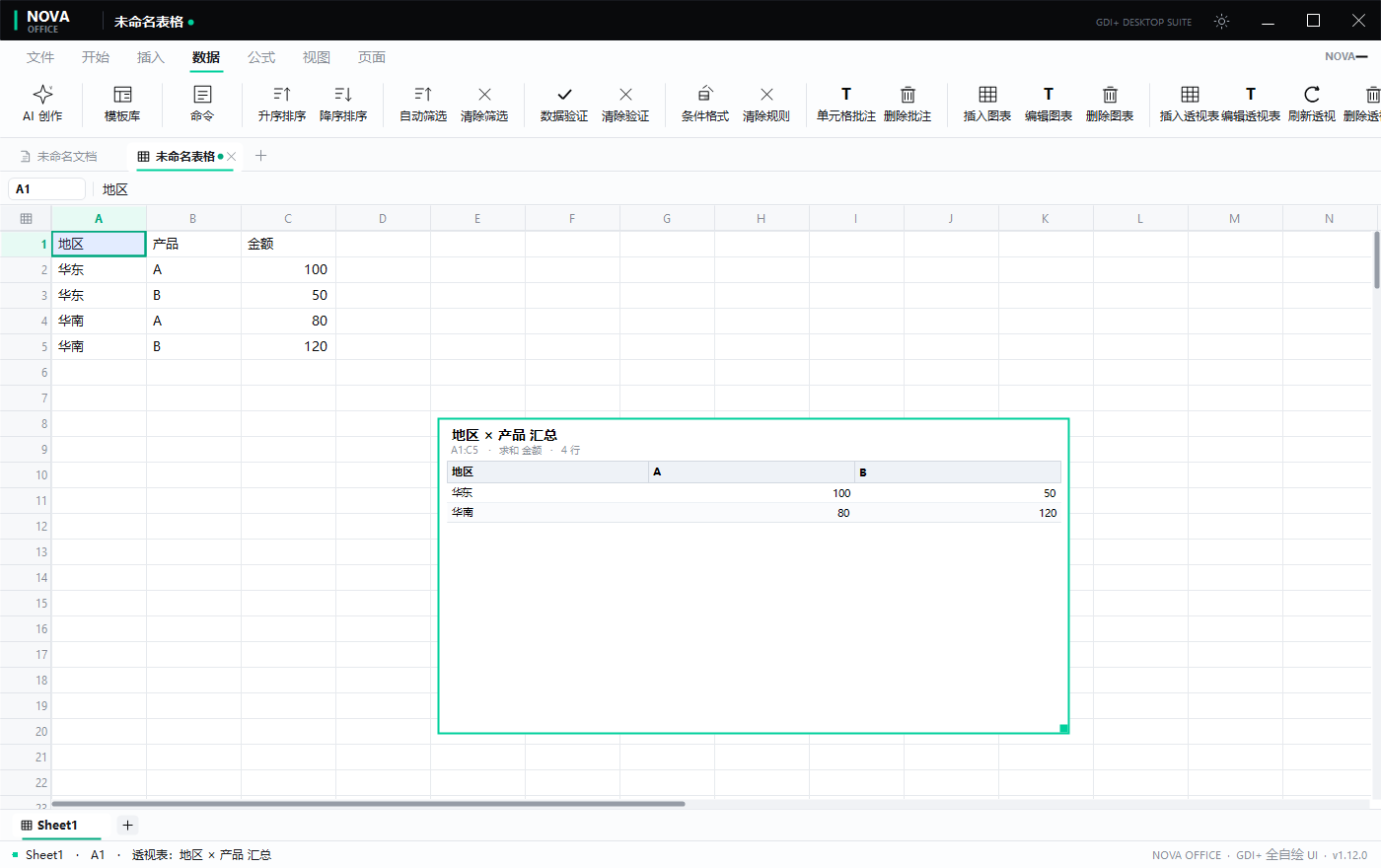
A real formula engine with 60+ functions, merged cells, frozen panes, validation, conditional formatting, pivot tables and native charts that Excel can open.
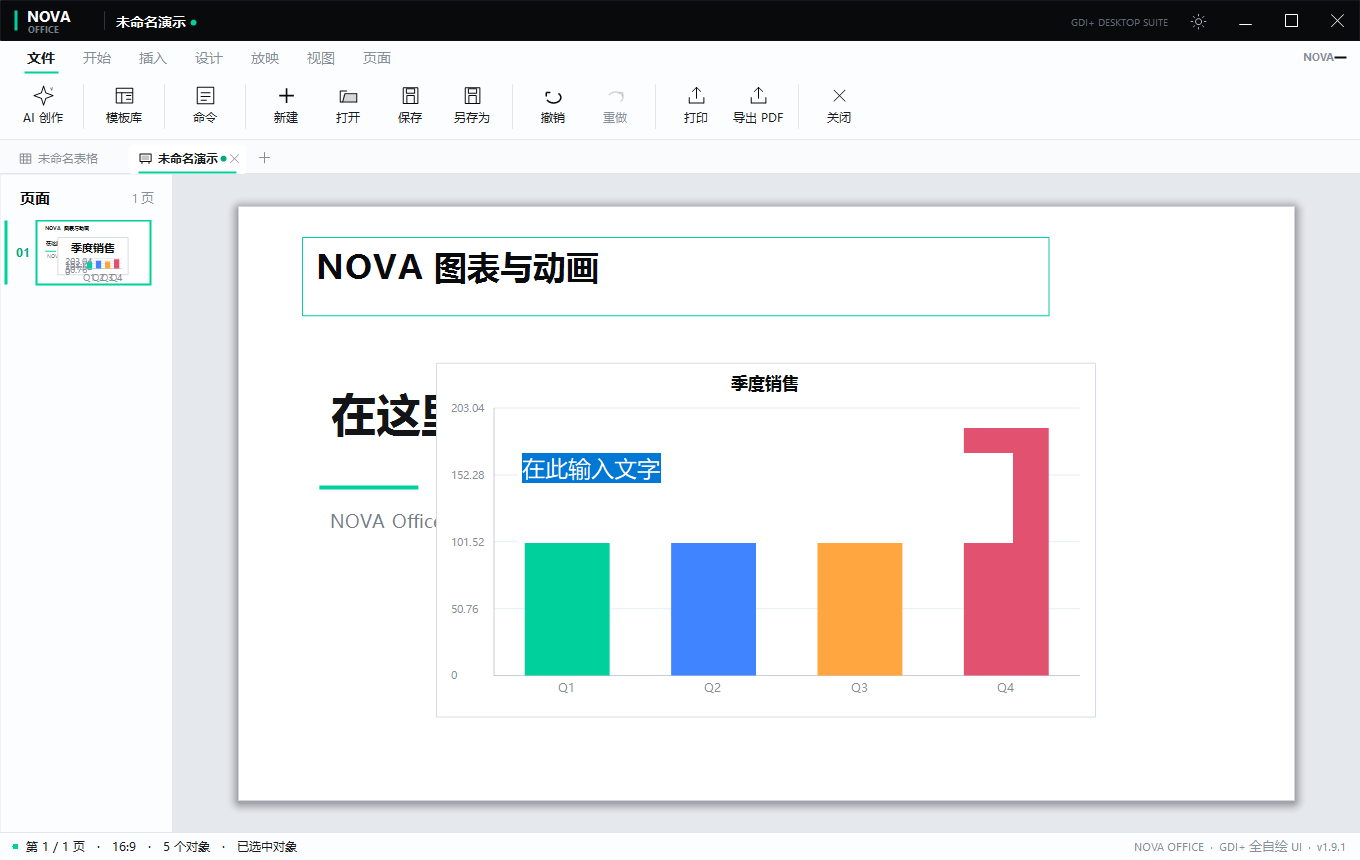
16:9 canvas, object handles, native charts, SmartArt, master placeholders, transitions, speaker notes and an animation timeline that plays in the show.
Opens EML with attachments, renders the body, and keeps the message as a project file you can edit.
Multi-page rich text with its own sidebar, page thumbnails and instant search.
Multiple tables, records, typed columns and a record editor — a small local data workspace, not a spreadsheet.
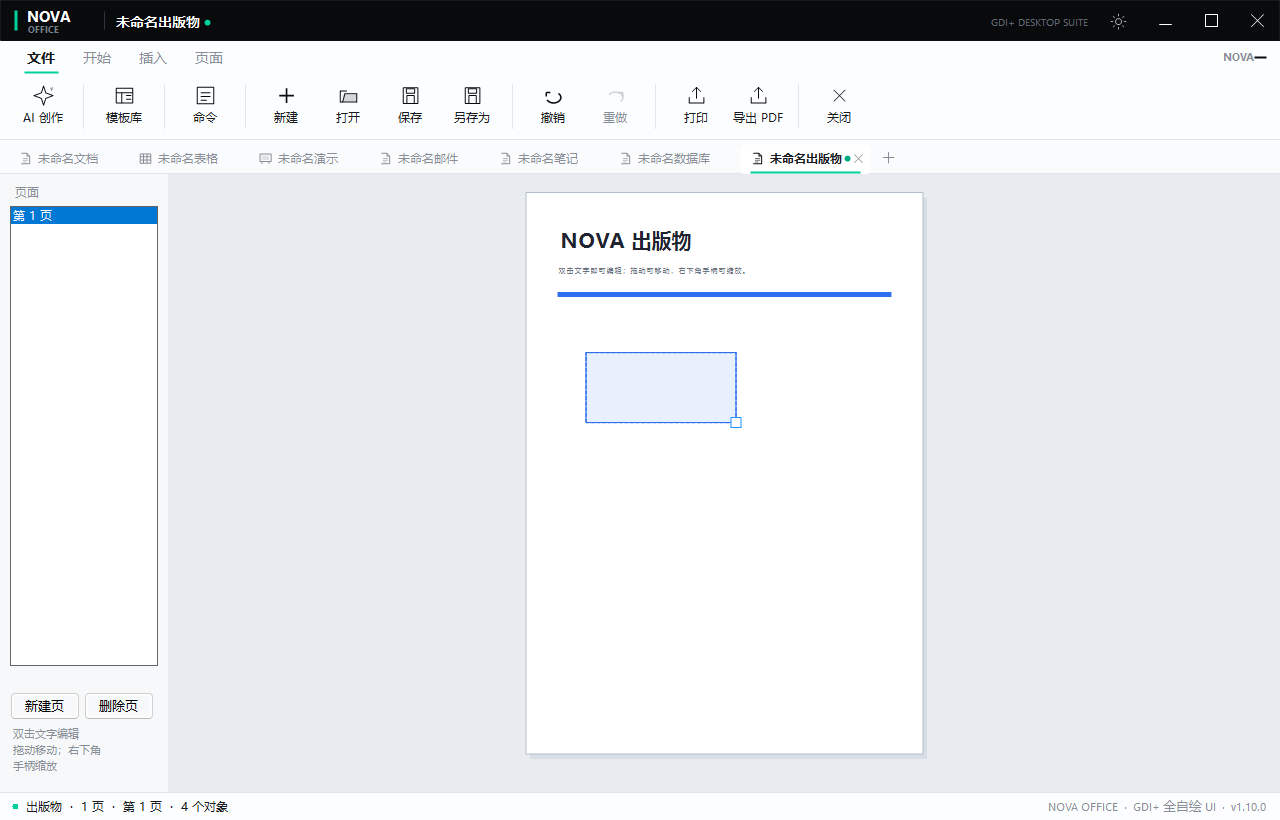
Page objects — text frames, shapes and images — placed on a print canvas with page previews.
The whole suite is a single .NET Framework 4.8 WinForms process with hand-written WordprocessingML, SpreadsheetML and PPTX readers and writers.
Title bar, ribbon, tabs, status bar, flyouts, the start screen, the template library and the command palette are all custom-drawn. A native TextBox is used only as an IME and clipboard bridge, so Chinese input, selection and paste behave exactly like the system expects.
Documents, spreadsheets and decks generated from a prompt — opened as unsaved files you can edit, undo and save in the native format.
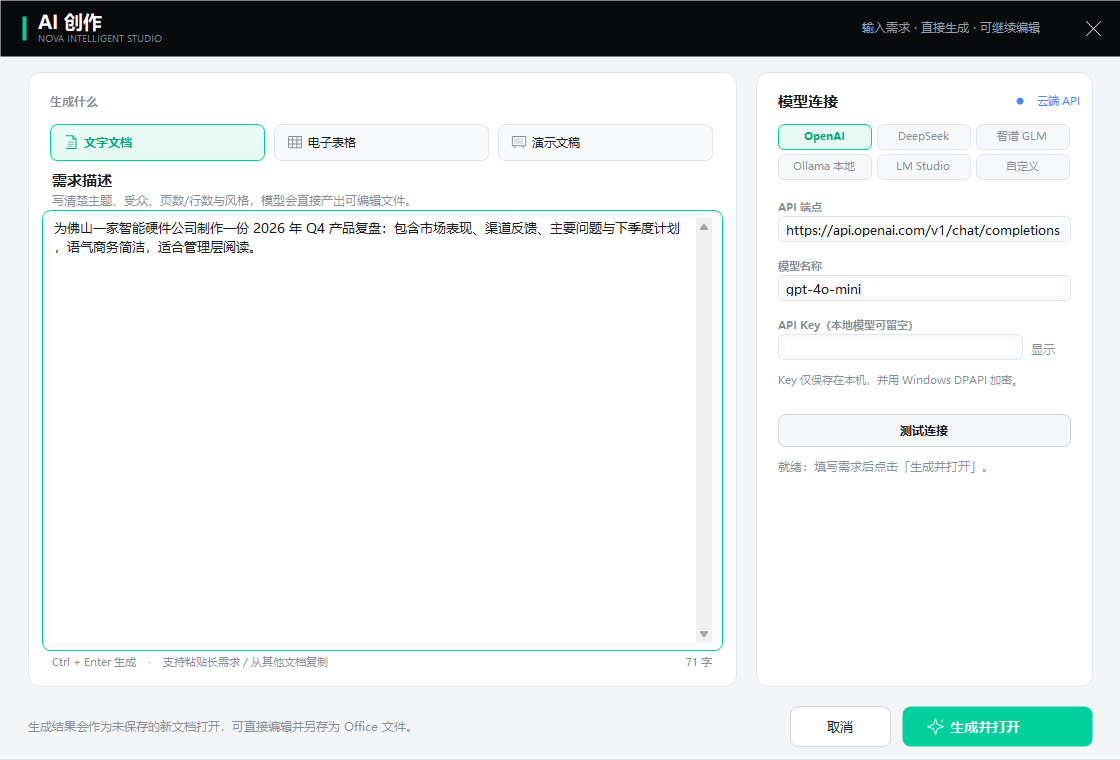
Every provider speaks OpenAI Chat Completions, so switching between a hosted model and a model running on your own GPU is only a matter of endpoint and key. Local endpoints never require a key.
Each release ships with its own regression probe, and every generated file is validated against the Open XML SDK before it counts as done.
Prompt to document, spreadsheet or deck; OpenAI-compatible endpoints, local Ollama / LM Studio support, DPAPI-encrypted keys.
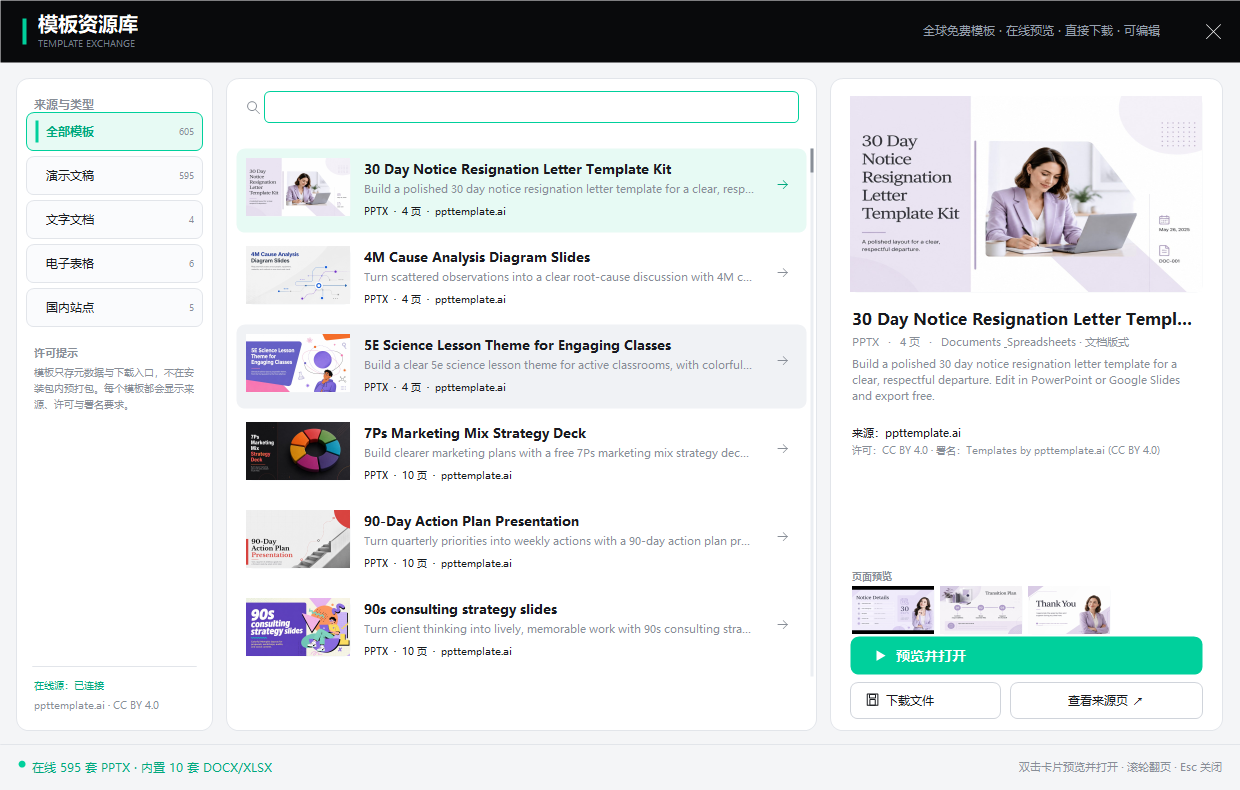
595 online templates with real covers, 90–150% UI scaling that never changes document font size, and a Ctrl+K palette over every command.
Simplified Chinese, English, Traditional Chinese, Russian, Japanese, Korean, German, French, Arabic and Portuguese; external .lng packs extend it further.
Word headers/footers and page-number fields, anchored comments, Excel data validation and conditional formatting, PPT transitions and speaker notes.
Five chart types in sheets and slides, embedded editable workbooks, drag-to-move and resize anchored to the grid.
Word revisions with accept/reject, six styles, multi-section documents; Excel pivot tables; PPT SmartArt and master placeholder inheritance.
Word page breaks and highlight, Excel AutoFilter, editable PPT tables, automatic table of contents and cross-app table paste, PPT image cropping.
One licence, one download, all seven apps and every feature. The only thing that is not MIT is third-party template content, and that is never bundled.
Use it, fork it, ship it commercially — keep the copyright notice. There is no paid edition and nothing gated behind a licence key.
The library links to sources instead of mirroring files. Attribution and licence notes are written next to every download.
Visual Studio or MSBuild, .NET Framework 4.8, no NuGet restore. One script produces the app, both architectures and the installer.
The repository address above is a placeholder: replace it here, in the README and in AppInfo.DefaultRepositoryUrl so the in-app GitHub button matches.
The architecture, the custom-drawn shell and the OOXML engines were produced in a joint development process, with human review and direction by the maintainer.
Overall architecture, the GDI+ custom-drawn shell, the document and spreadsheet engines.
OOXML round-trip work, AI Studio protocol design and failure handling.
Presentation engine, ten-language localisation, template library and verification tooling.
Developer credit: Creator-V7.7-Flash + DeepSeek-V4.1-Flash + DouBao 2.1. Tools and third-party assets keep their own licences — see NOTICE.md.
International chat on Discord, Chinese users on QQ, release notes on Telegram, build logs on Instagram — or just message directly.
NOVA_OFFICE_Setup.exe carries both architectures, picks your region's language, and installs in under a minute. Everything in it is open source.